AI Integration
Add AI to the software you already run: apps, sites, CRMs, support desks and internal tools.
The problem
You do not need a new platform to benefit from AI. You need the assistant inside the help desk, the summary inside the CRM, the answer inside the docs your customers already read. Bolting a chatbot onto the homepage rarely moves a number; wiring a model into the workflow where the question is asked does.
What we build
- Retrieval-backed assistants that answer from your own content: sites, Notion, PDFs, Drive
- Model features inside existing products: summaries, classification, extraction, drafting
- Integrations with Shopify, WordPress, Webflow, Wix, Squarespace, Slack and plain HTTP APIs
LLM integration, Retrieval-augmented generation, Chatbots, Notion, Slack and Shopify connectors, WordPress, Webflow, Wix and Squarespace, HTTP API integration
AI chatbots, E-commerce (Shopify, WooCommerce), WordPress
How it works
- 01
Pick the moment
Where in the product or the process is a question asked or text produced? That is where the model goes first.
- 02
Connect the knowledge
Ingest the content the answer needs, chunk and index it, and set the rules for what the assistant may and may not say.
- 03
Ship behind a flag
The feature launches to a subset of users with logging of every prompt, answer and rating.
- 04
Tune and expand
Weekly review of failed answers, prompt and retrieval fixes, then the next moment in the product.
Work that proves it
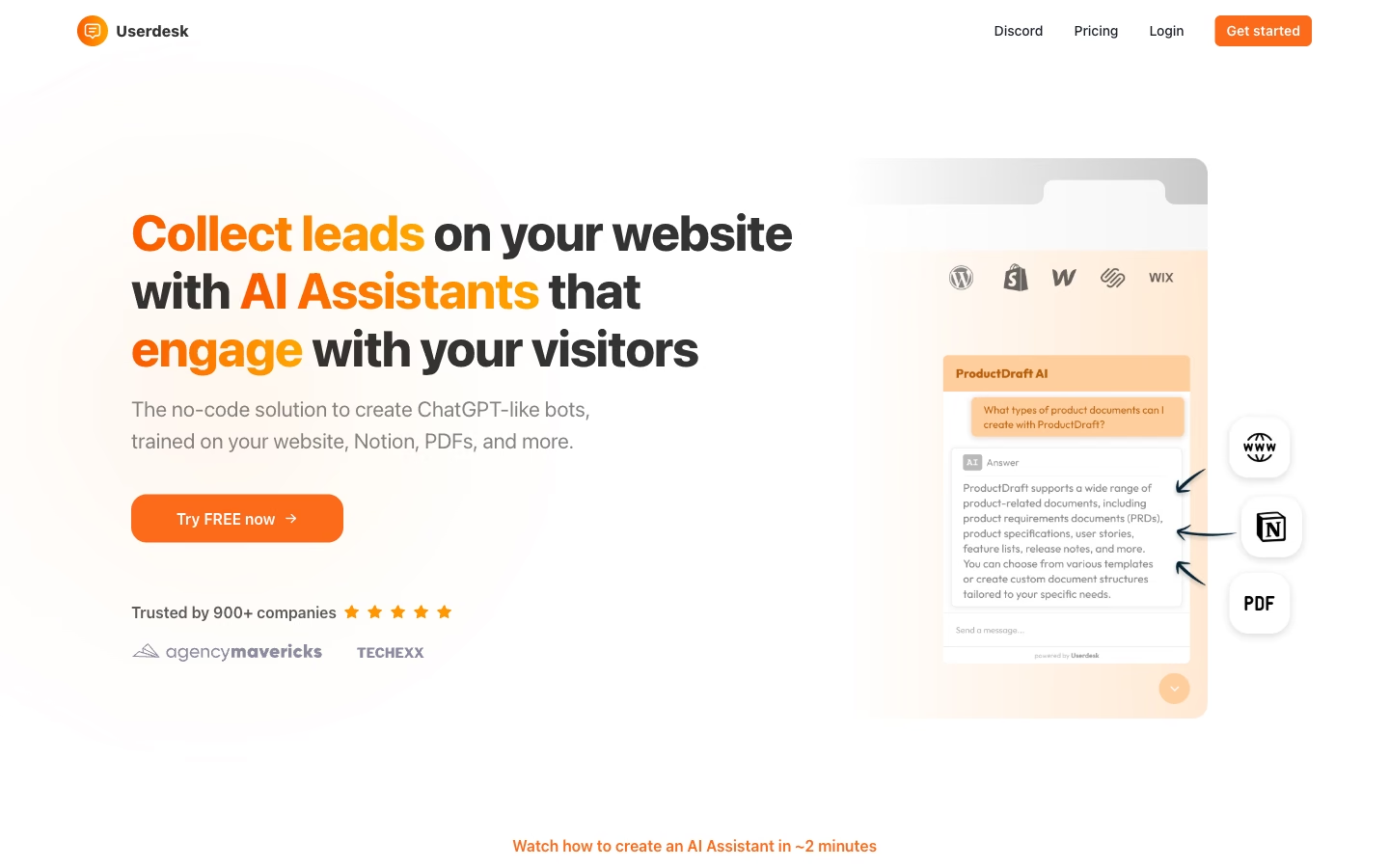
No-code AI support and lead assistant trained on your site, Notion, PDFs and Drive
Designed and developed for the client: retrieval pipeline, the embeddable assistant and the lead hand-off flow.
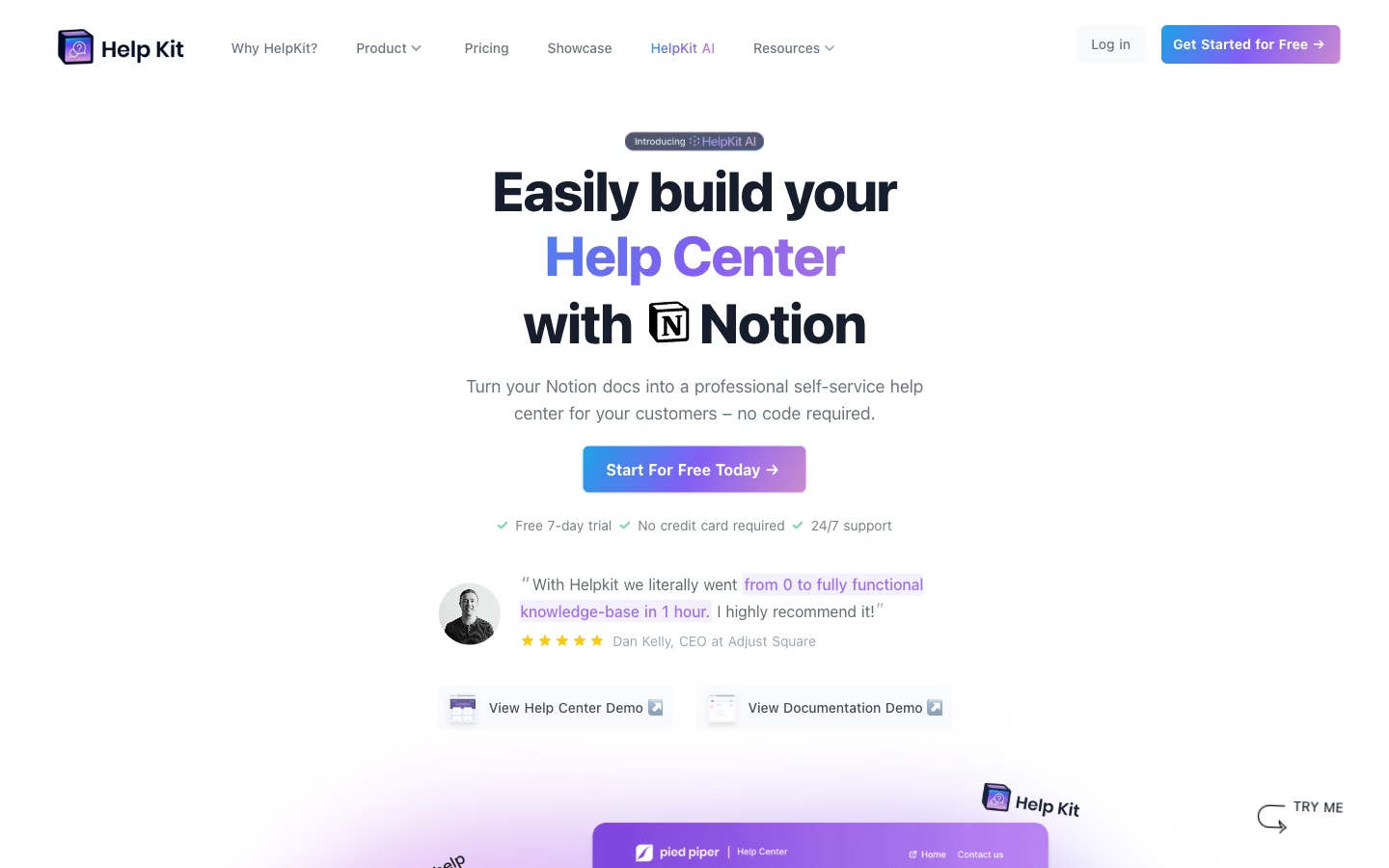
Notion to help center with AI support
Designed and developed for the client: the Notion-to-help-center renderer, search and the AI answer layer.
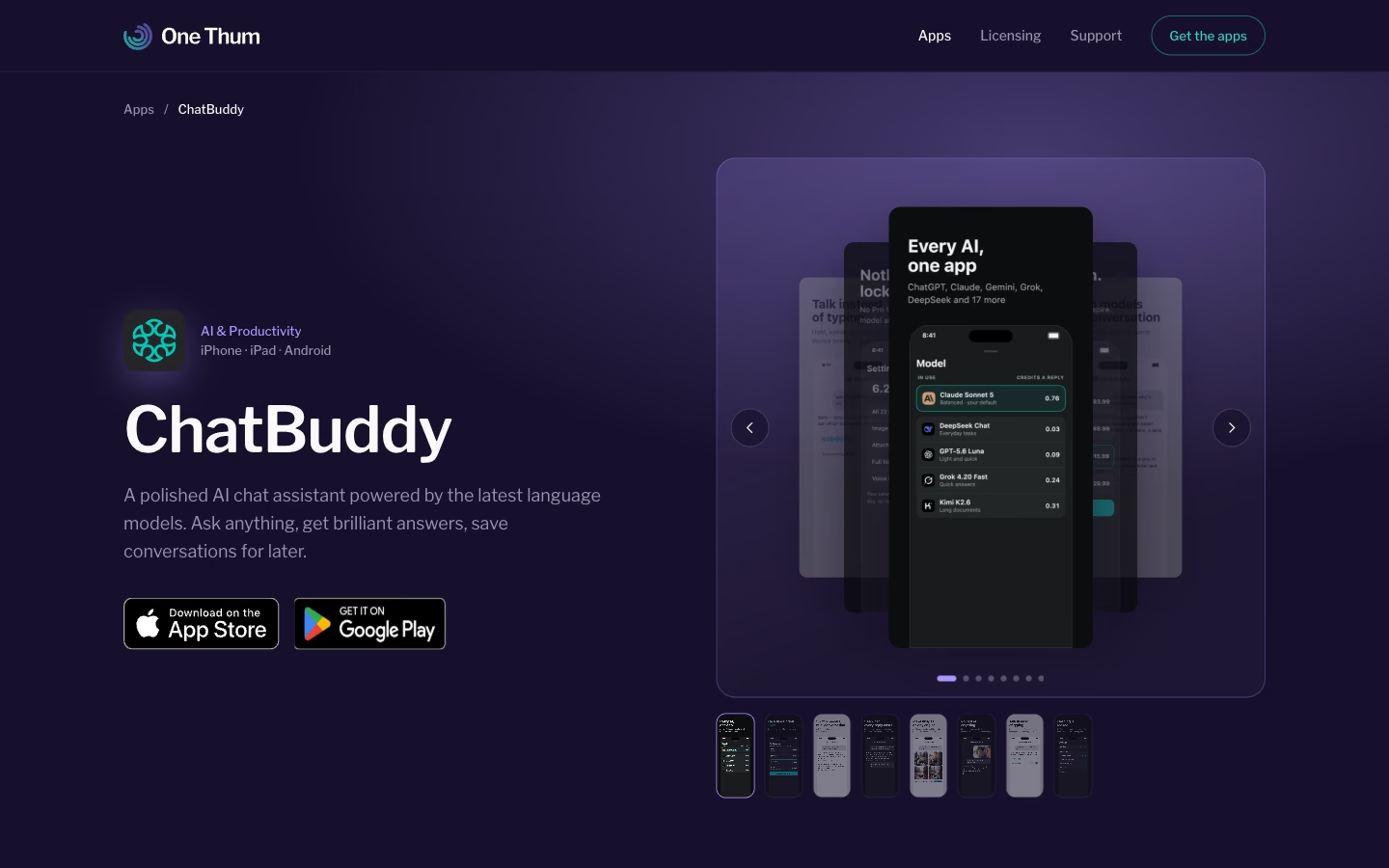
Multi-model AI mobile app with in-app credits
Designed and developed for the client: the mobile app, multi-model chat and in-app credit purchases.
What you get
Integration design and data-flow diagram
Retrieval pipeline over your content
Model feature with evaluation set
Platform connector (CMS, CRM or help desk)
Prompt and cost report
Handover documentation
Questions
What's included in an AI integration engagement?
How long does a first AI feature take to ship?
What do you need from us?
Who owns the code and the data?
Which model do you use, and can we change it later?
Not sure where to start?
Describe the problem in a few lines. You get a straight answer on what we would build and how long it takes.