AI Agents & Business Automation
Automate real workflows with agents that talk to customers, process information, decide, and connect your systems.
The problem
Your team answers the same questions, re-keys the same data and chases the same approvals every day. The work is predictable enough for software, but too varied for a rule-based script. Agents close that gap: they read, decide within limits you set, act through your existing tools, and hand off to a person when they should.
What we build
- Customer and guest agents that answer, qualify and book across email, chat and WhatsApp
- Back-office agents that read documents, update records and route approvals
- Pricing and operations automations that run on schedules and events, with a person in the loop where money moves
AI agents, Workflow automation, Guest and customer communication, Pricing automation, Vertical AI
Business automation
How it works
- 01
Map the workflow
We sit with the people who do the work, list every step and decision, and pick the one process where an agent pays back fastest.
- 02
Design the guardrails
What the agent may decide alone, what it must escalate, which systems it may write to, and how every action is logged.
- 03
Build and rehearse
The agent runs beside your team on real cases for a week before it acts alone. Prompts, tools and limits are tuned from the log.
- 04
Run and measure
Live with monitoring, cost tracking and a weekly review of handled, escalated and failed cases.
Work that proves it
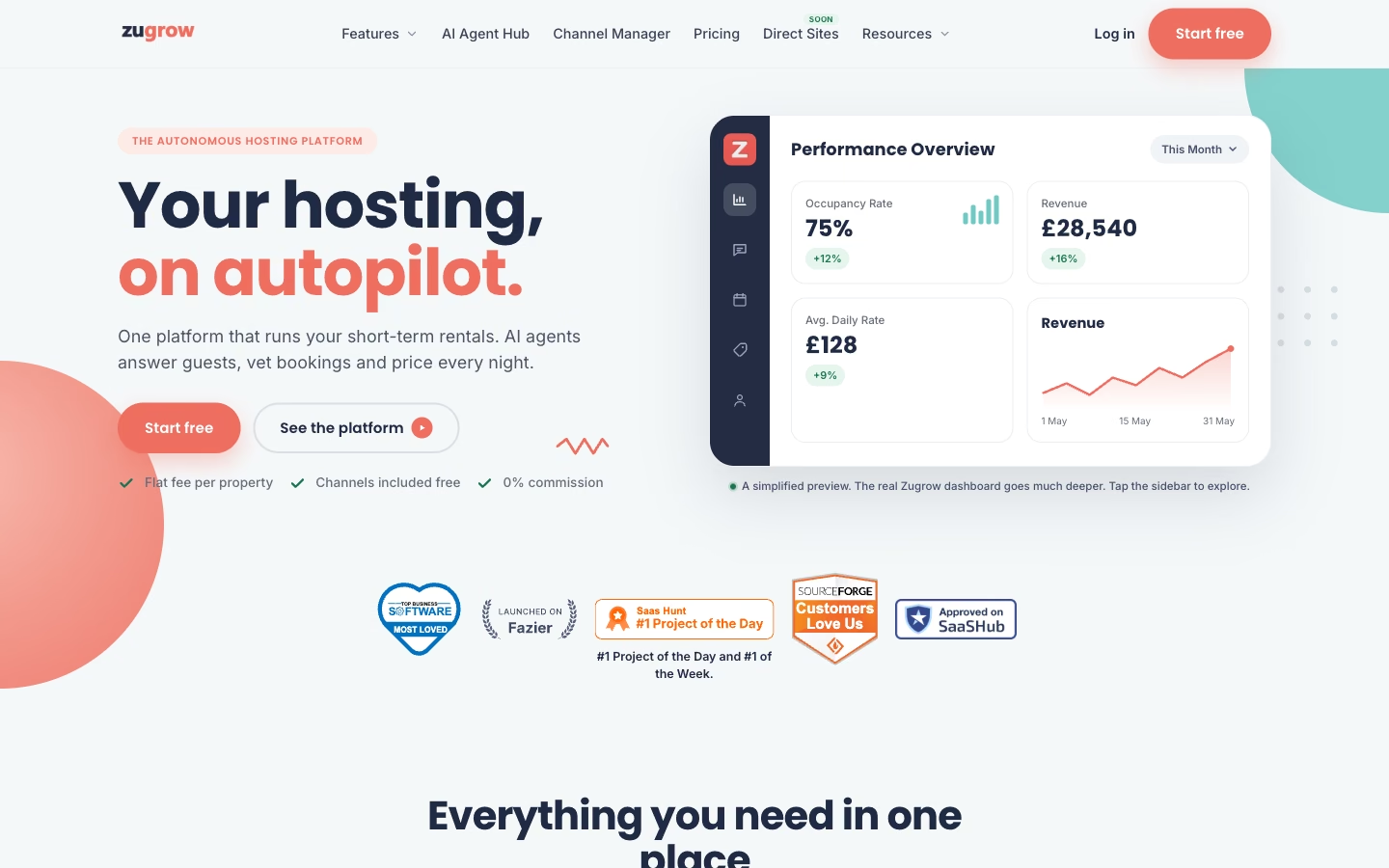
AI agents for property and vacation-rental operations
Designed and developed for the client: agent workflows, guest communication and the pricing automation surface.
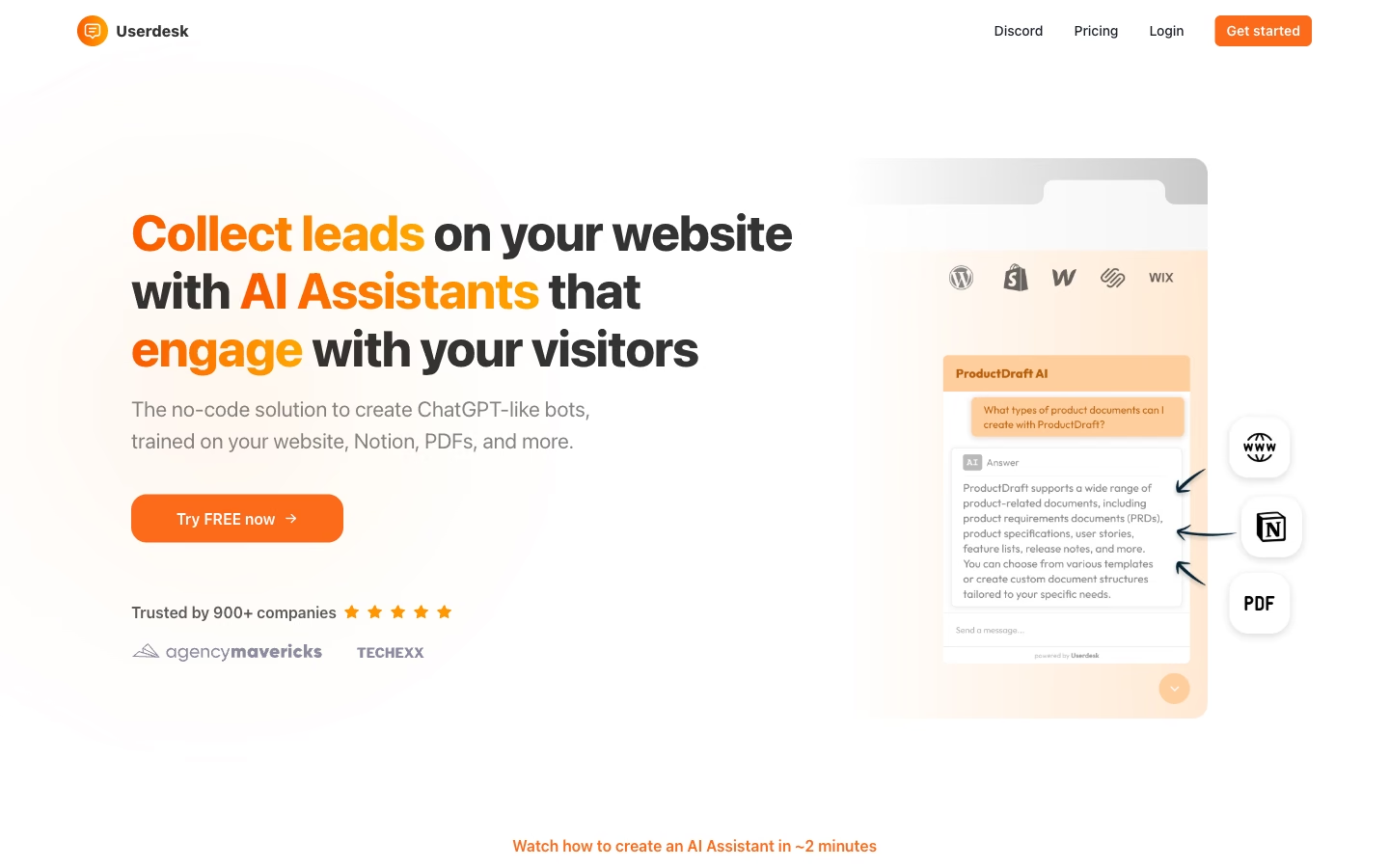
No-code AI support and lead assistant trained on your site, Notion, PDFs and Drive
Designed and developed for the client: retrieval pipeline, the embeddable assistant and the lead hand-off flow.
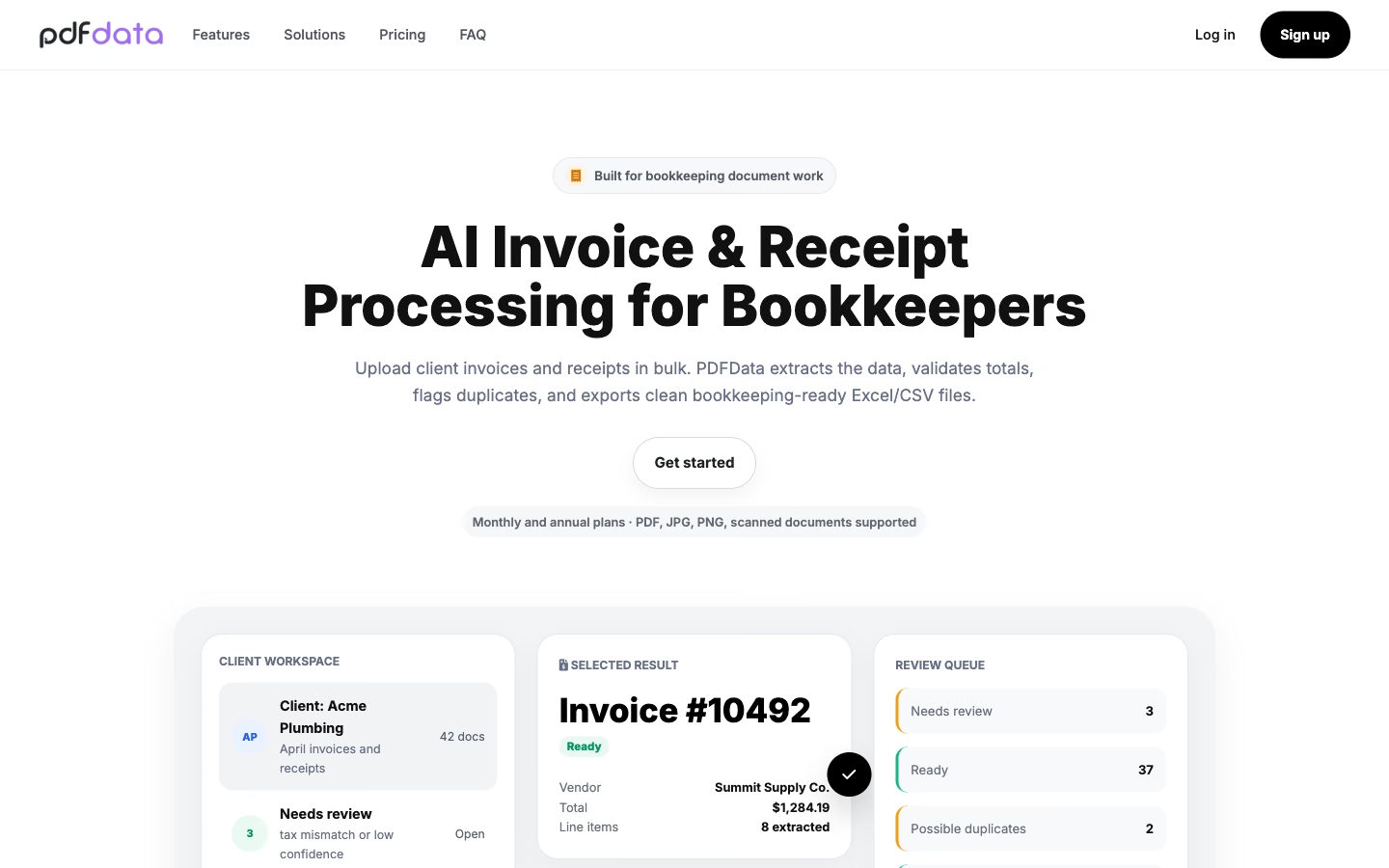
AI invoice and receipt processing to Excel, CSV and JSON
Designed and developed for the client: extraction pipeline, bulk processing and the export and API surface.
What you get
Workflow map and agent specification
Agent with tool connections and guardrails
Escalation and hand-off rules
Action log and monitoring dashboard
Cost and quality report after the first month
Runbook for your team
Questions
What's included in an AI agent engagement?
How long until the first agent is live?
What do you need from us?
Who owns the code and the data?
What happens when the agent gets it wrong?
Not sure where to start?
Describe the problem in a few lines. You get a straight answer on what we would build and how long it takes.